Getting started
This guide covers how to use Parent Events to book appointments for school events, such as parent-teacher conferences, school tours and uniform fittings.
Accessing an event
Your school or organization runs its events on a website that belongs to them, with a web address that looks like yourschool.parentevents.com.
Once you visit that address, you will see a list of any public events the school is currently running, and a place to enter an event code if you have been given one for a private event.
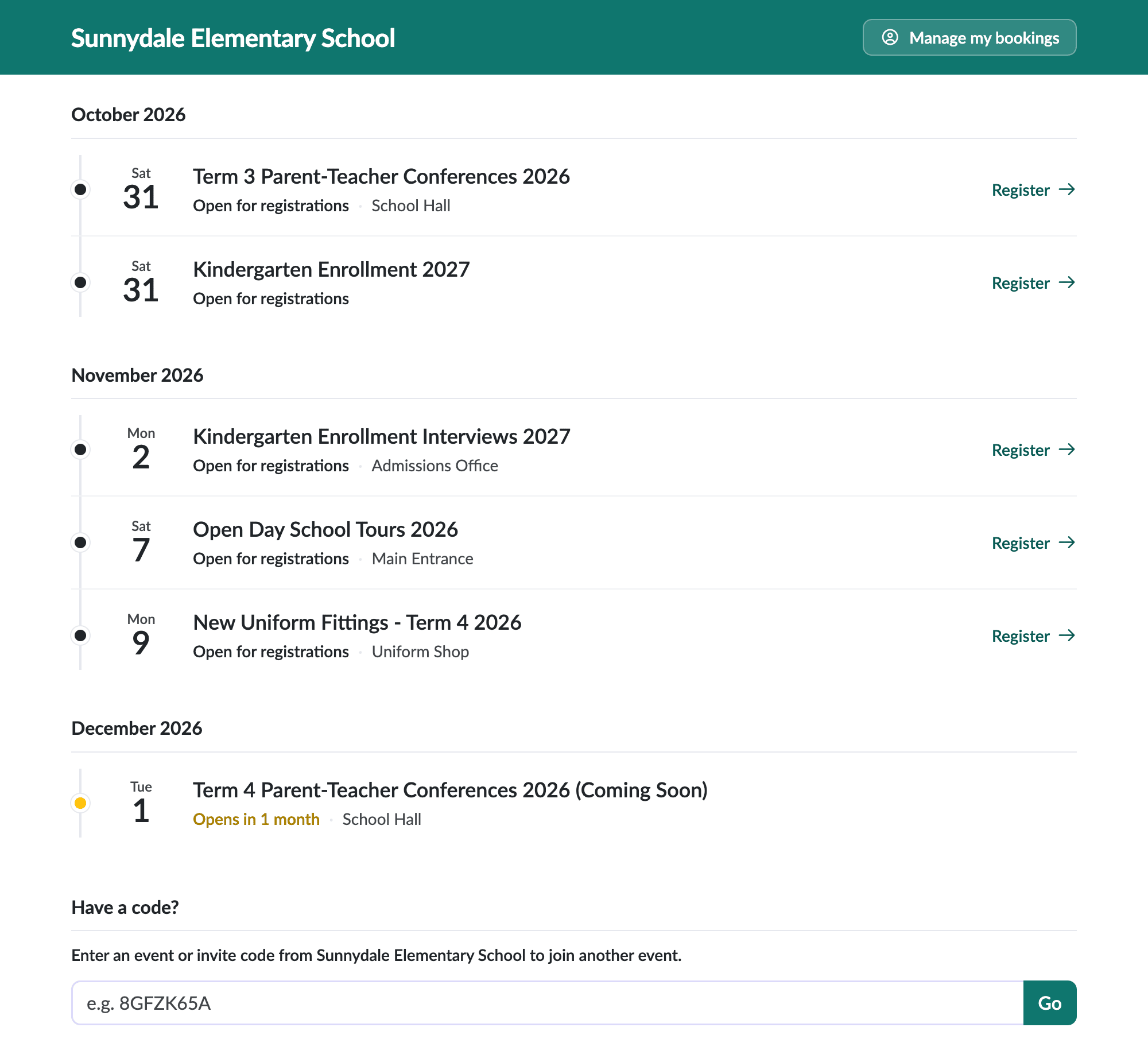
If your school has shared a direct link to an event with you, the link already includes the event code, and you can open it without entering anything.
Public events do not require a code, although your school may still share one for convenience.
Invite codes
Some events are invite-only. For these, your school sends each family their own invite code, which looks like K7WM-4PXH and can only be used once. You will be asked for it when you register, and you can type it with or without the hyphen.
If your school gave you a link, the invite code is usually already included and applied automatically. You can also enter your invite code in the code box on the school's event website homepage, and you will be taken straight to the right event without needing an event code as well.
:::tip Don't have an event code? Contact your school or organization to ask for the address of their event website, and to confirm whether the event you want to attend is public or private. Private events require a code to access, and invite-only events require an invite code from your school to register.
If your invite code is not accepted, it may have already been used, so check with your school for a new one. :::
Signing in with your email
To sign in, click Manage my bookings on the school's event website and enter your email address. You will be sent a sign-in link by email, which takes you directly to the event you were trying to reach.
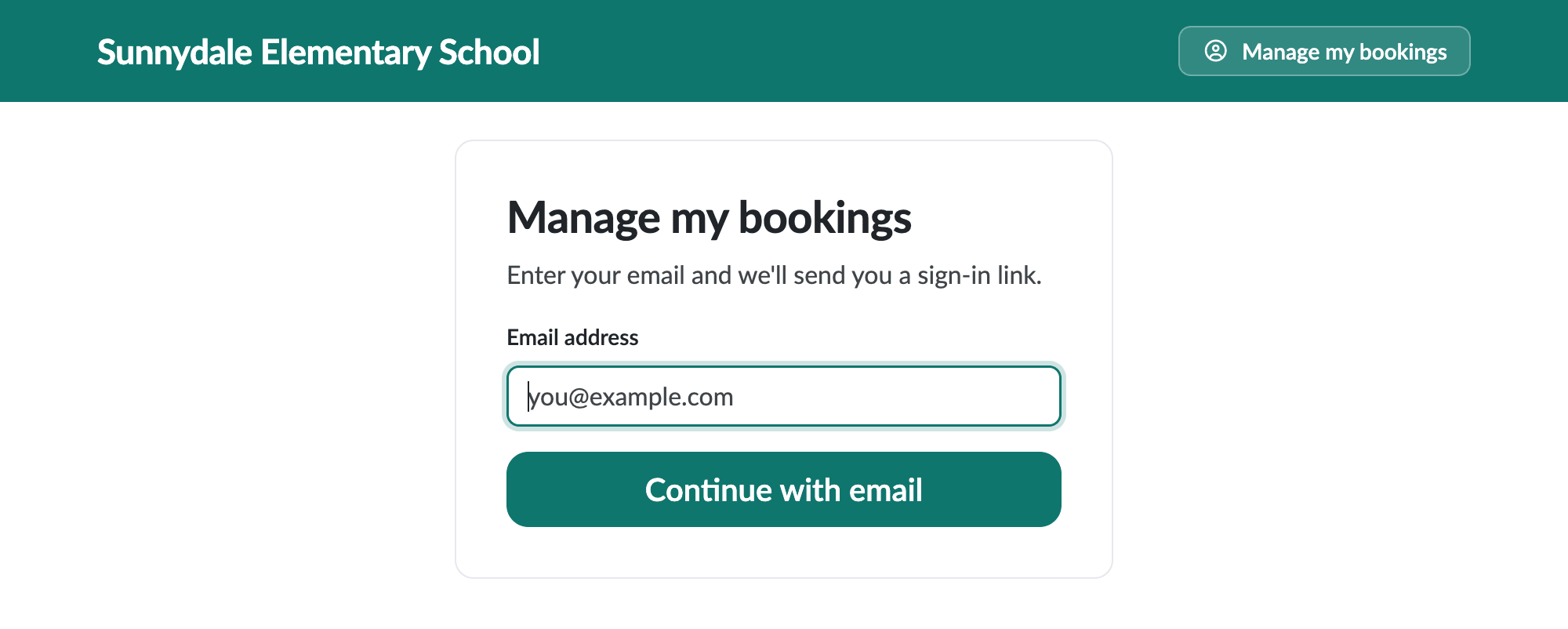
If this is the first time you have signed in, you will be asked for your first and last name to finish setting up.
Registering for an event
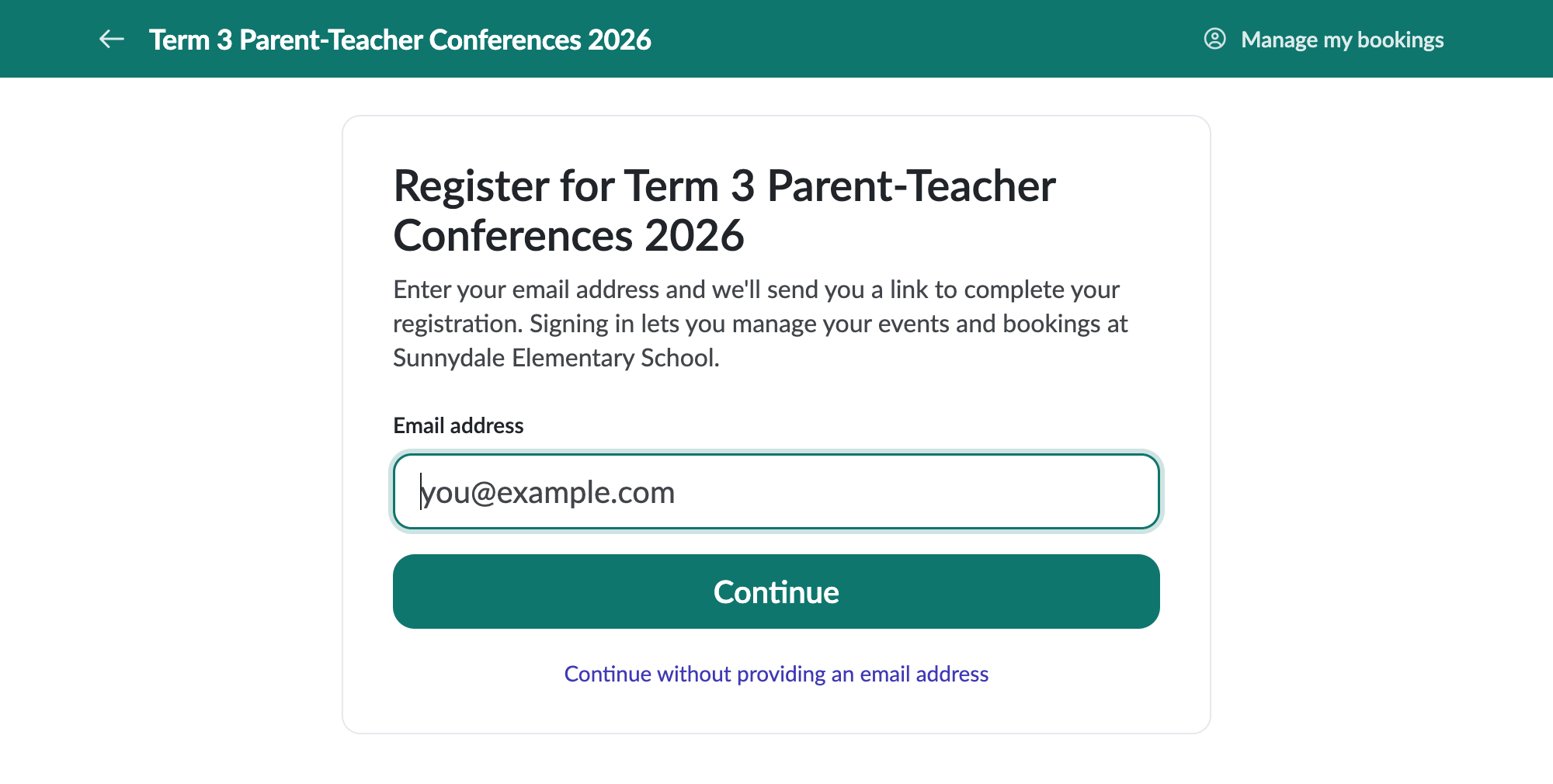
When you register for an event, you are first asked for your email address. We send you a link to finish registering, which also signs you in so you can manage your events and bookings. A short form then asks for the details the school needs, and links the right students to your bookings.
If you would rather not give an email address, choose Continue without providing an email address. You can still register, but you won't receive any emails about the event, such as confirmations and reminders.
Adding students
For events like parent-teacher conferences, you will be asked to add your children so that your teachers know who each booking relates to. You can add, edit, or remove students from the Profile option at any time.