Attendees and registrations
Parents and caregivers who sign up to your events are known as attendees or registrations, depending on the type of event. Each attendee can add students, which are used for their bookings if your event requires them.
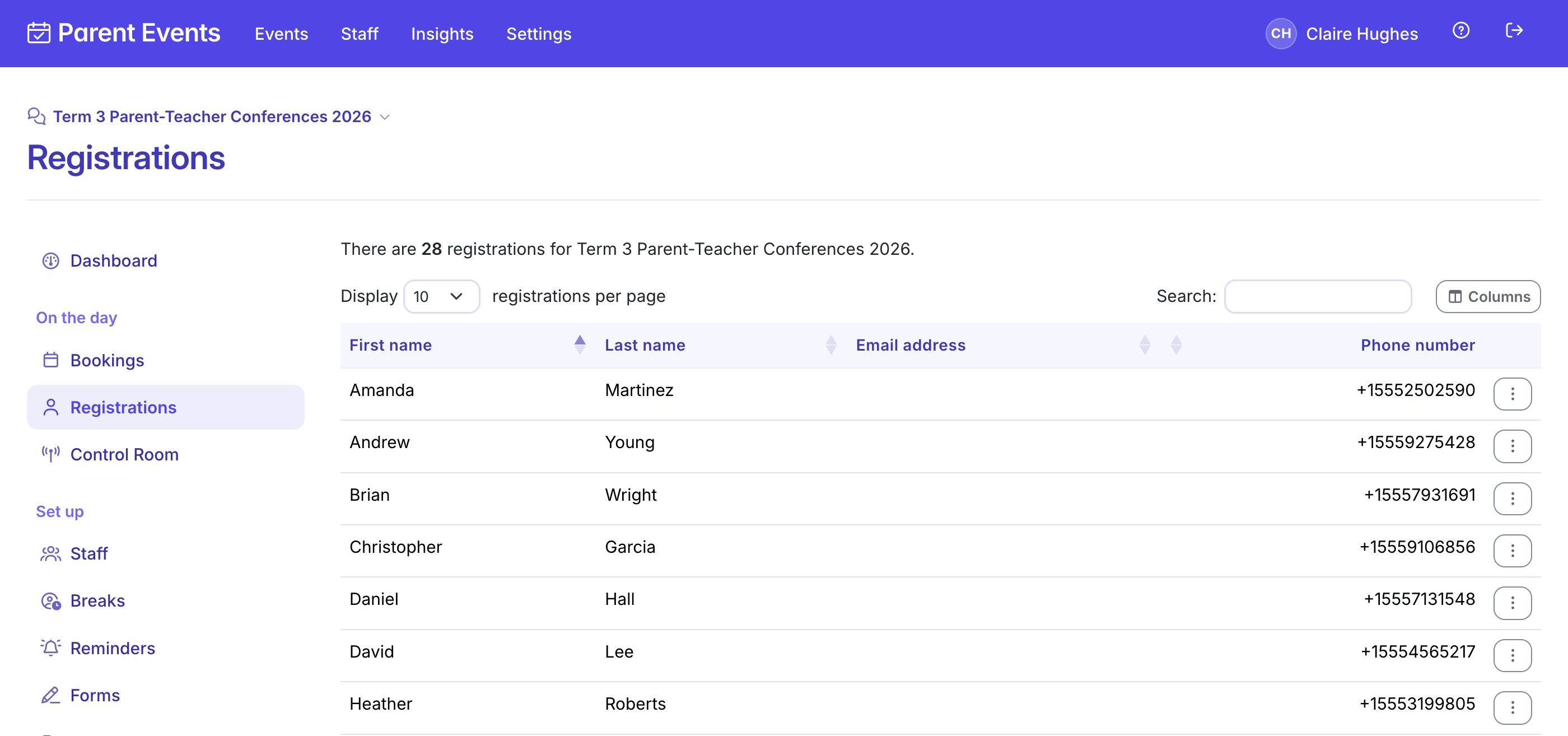
Each event has its own set of attendees, and attendees are not shared between events.
Note
For registration-only events, attendees register and fill in the registration form, but don't make bookings.
Making bookings for an existing attendee
Attendees can usually change their own bookings. If an attendee contacts you to make more bookings:
- Click on Events in the main menu.
- Choose the event name from the list, and click Registrations.
- Find the attendee in the list.
- Click on the menu icon, and click Make additional bookings.
Removing an attendee
To remove an attendee and cancel all of their bookings:
- Click on Events in the main menu.
- Choose the event name from the list, and click Registrations.
- Find the attendee.
- Click on the menu icon, and click Remove from event.
You'll be asked to confirm, and can send them a notification with an optional message.