Enrollment events
An enrollment event collects information from prospective families who are interested in enrolling at your school or organization.
You can run an enrollment event as registration only, where families fill in a form, or as registration with bookings, where they also book a time for an enrollment meeting or interview.
Choosing your enrollment format
Registration only
Families fill in your enrollment form, and no appointment times are booked. This suits collecting applications or expressions of interest, rolling enrollment, and schools that review applications before arranging any meetings.
Registration with bookings
Families fill in your enrollment form and book a time to meet your admissions staff. This suits schools that meet every family before offering a place, or that have limited admissions staff and want to control the meeting schedule.
Step 1: Create your event
Sign in to Parent Events and select Start an Event from the Events menu.
- Choose Enrollment as your event type.
- Choose Registration only or Registration with bookings.
- Fill in the event's name (such as "2026-27 Enrollment"), a description of your enrollment process, the event dates, and the open and close dates for when families can apply or book.
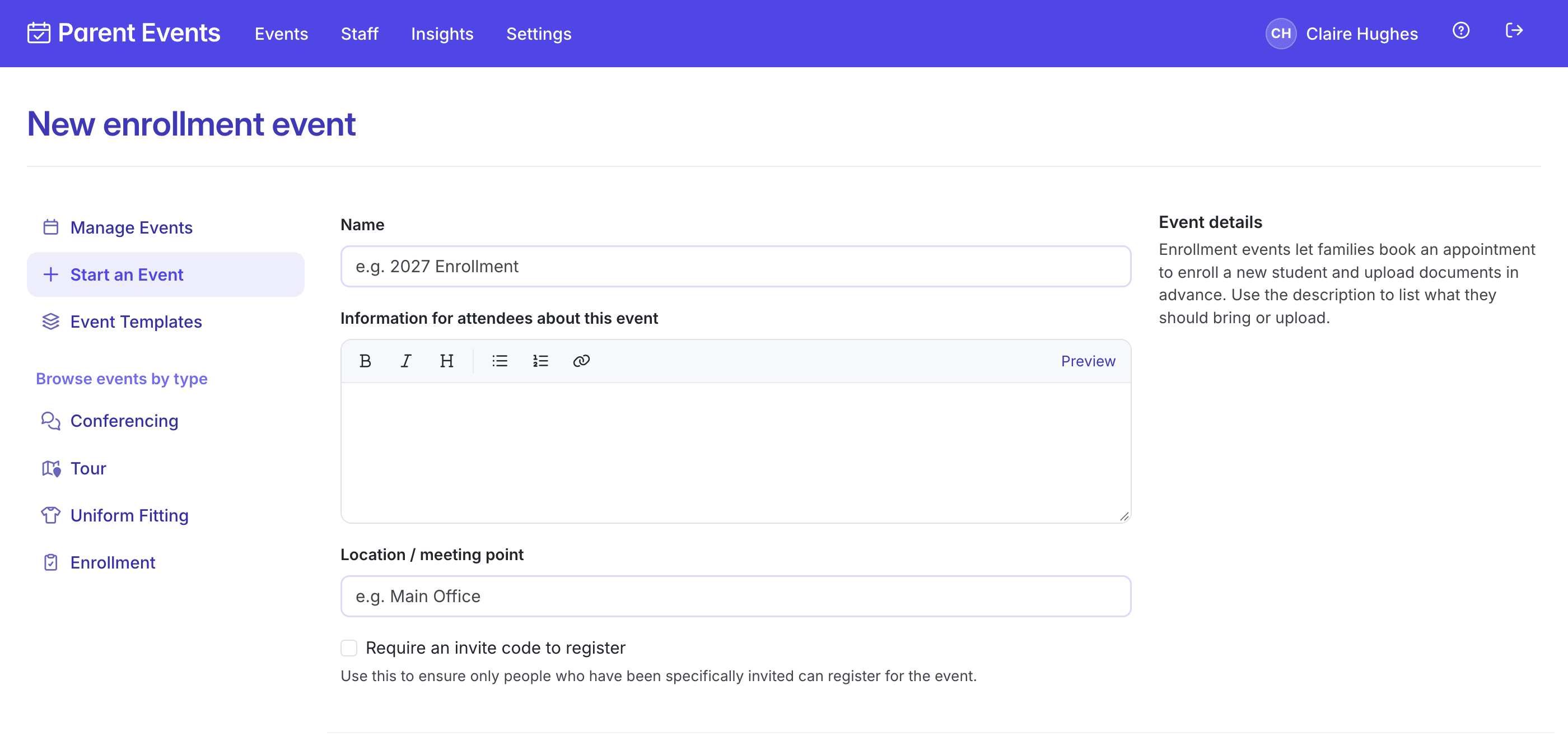
Enrollment events are usually public, so prospective families can find them without a code. Make the event private if only families you've contacted should be able to apply.
Step 2: Set up your enrollment form
Your registration form is where families give you their details, so add the questions your enrollment process needs. Schools commonly ask for:
- the parent or caregiver's address and phone number
- each student's date of birth, current year level, current school, and preferred start date
- siblings already at the school
- learning support needs or accommodations
- programs they're interested in
- how they heard about your school
Families are more likely to finish a short form. Make questions optional where you can, and collect the rest later in the process.
See forms for the question types available.
Step 3: Add enrollment staff (if using bookings)
If you chose Registration with bookings, add the admissions staff who will meet with families:
- Go to the Staff section of the event.
- Add your admissions staff or enrollment coordinators.
- Set the dates each staff member is available, whether they meet in person or online, and how many families they can meet in each time slot.
Step 4: Configure appointment settings (if using bookings)
- Set the booking length. Enrollment meetings are usually 30 to 60 minutes.
- Choose a booking limit.
- Add breaks for staff.
Families with a meeting receive a reminder email automatically on the morning of their appointment.
Step 5: Publish and promote
- Publish your event, choosing Public or Private.
- Share the link to your event website on your school's website and social media, in community groups and marketing materials, and with families who have already enquired.
You can also add a feedback form to hear how families found the process.
Step 6: Manage enrollments
As applications come in:
- review each family's form responses in Registrations
- check scheduled meetings in Bookings, if you're taking bookings
- download the responses from Reports to bring them into your enrollment system
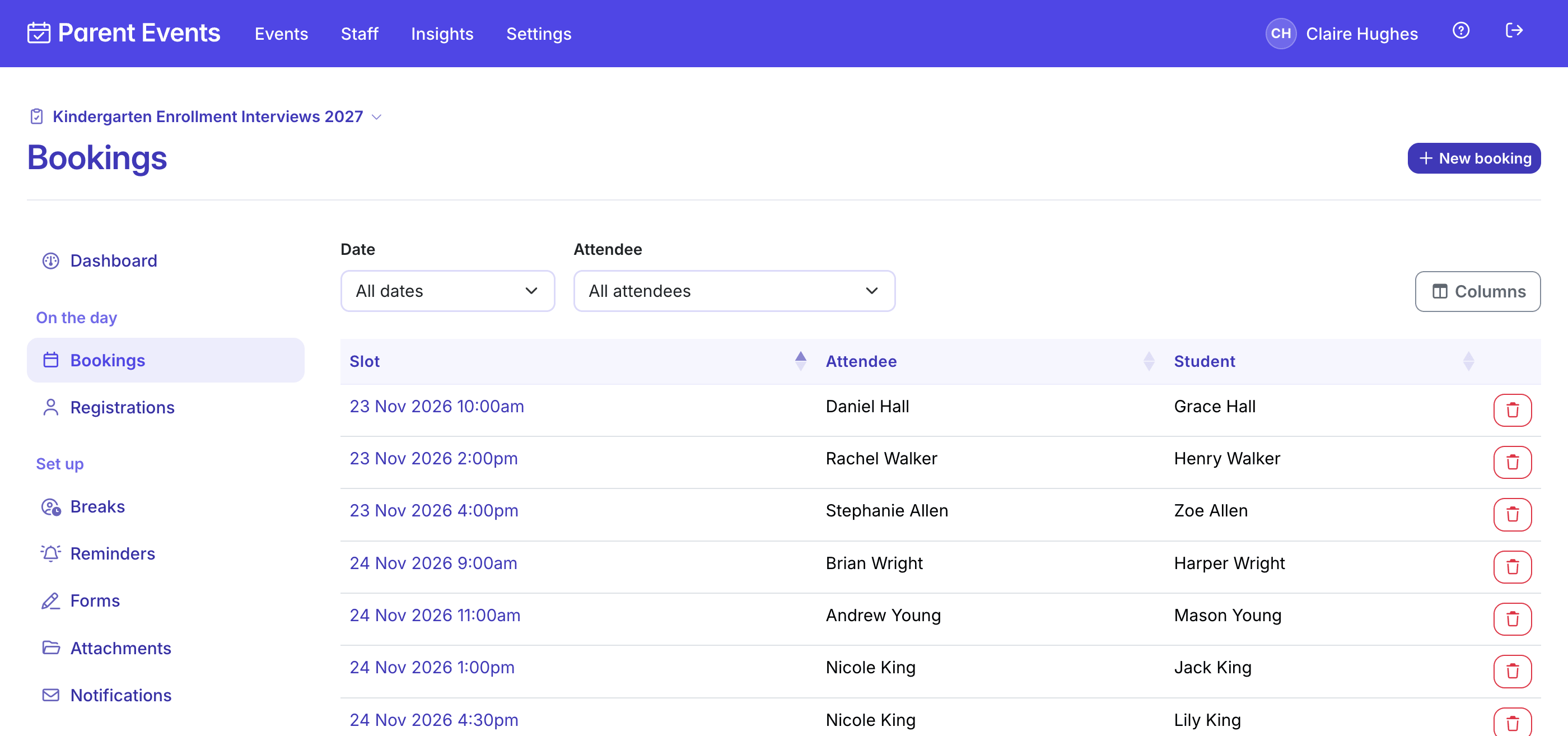
Parent Events doesn't track whether an application is accepted or waitlisted, or store notes from enrollment meetings, so keep these in your own system.
Download your enrollment data regularly. Families' details are removed when the event is archived, 90 days after it finishes.
Step 7: Follow up
After the event:
- check the event's statistics to see how many families applied
- send offers, waitlist and decline letters from your own systems
- close the event once you've reached capacity, by bringing its close date forward
Rolling or fixed enrollment periods
For a fixed enrollment period, such as January 1 to March 31, set the event's open and close dates to match. This suits schools with limited places that review applications together.
For rolling enrollment, keep a single event open for the whole year with a distant close date. This suits schools that accept students throughout the year.