Website
The Website section is where you set up the event website attendees use to register and manage their bookings.
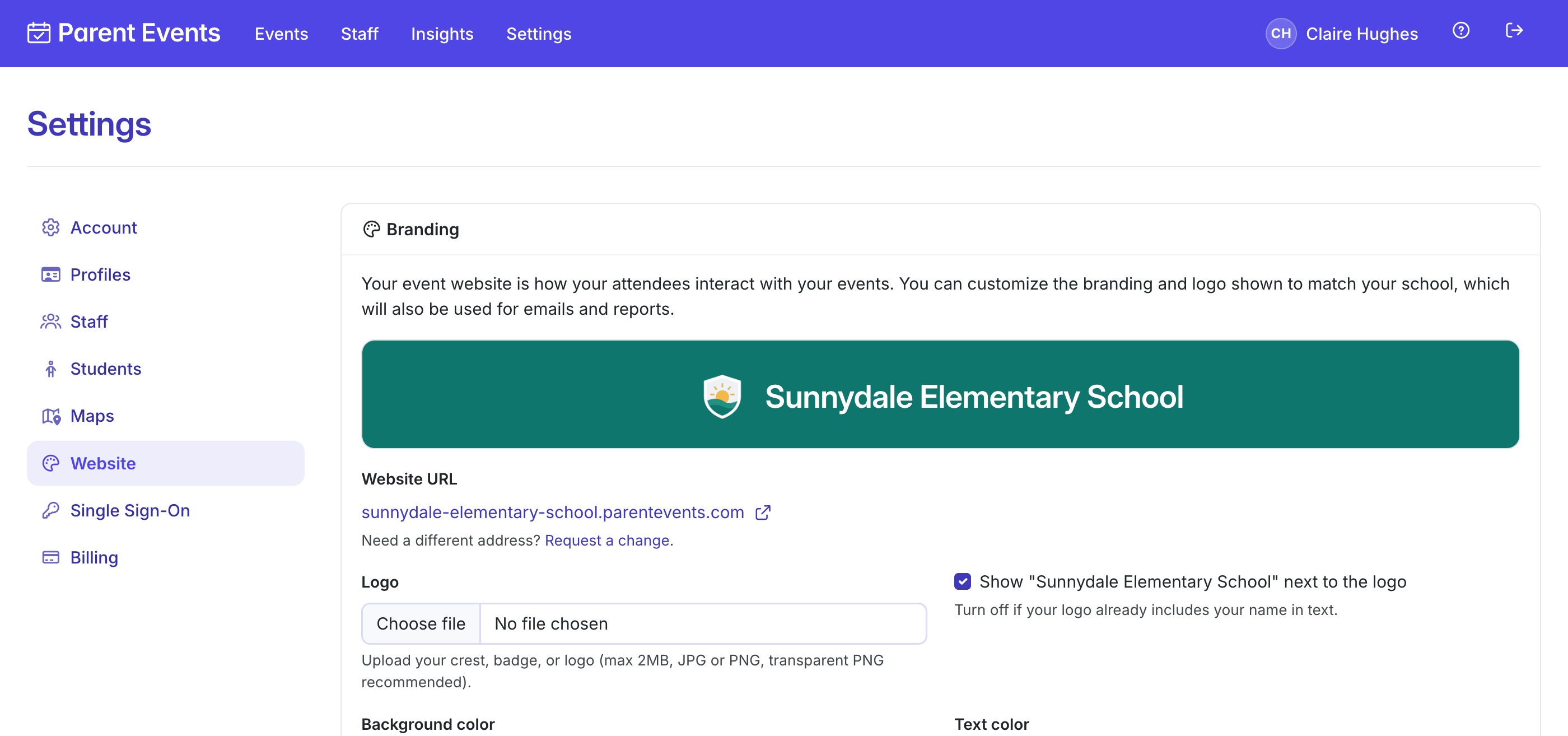
Website URL
Your event website's address is created from your school's name, but you can change it, such as to something shorter.
Changing the website URL stops the old one working straight away, including any links attendees already have. Only change it when you first set up your account, before you run any events.
Branding
You can choose the background and text colors for the header of your event website. Attendees see these colors on your event website and in event emails, and staff see them in event reports.
A dark background with light text is easiest to read.
You can also upload a logo to show to attendees, as a JPG or PNG. A square image with a transparent background works best.
If you'd like help with your website's branding, contact us.
Social media
You can add links to your school's social media accounts, such as Facebook or Instagram, and one other link, such as your school's own website. These are shown at the bottom of your event website.