Reports
The Reports section lets you download information about your event as a CSV or PDF file, such as lists of bookings, attendees and staff, flyers that explain how to sign up, name tags, and signs for each staff member or meeting room.
PDF reports use your school or organization's colors from the Website settings.
Downloading a report
- Go to the Events section, choose the event, and select Reports.
- Find the report you need, and choose CSV or PDF.
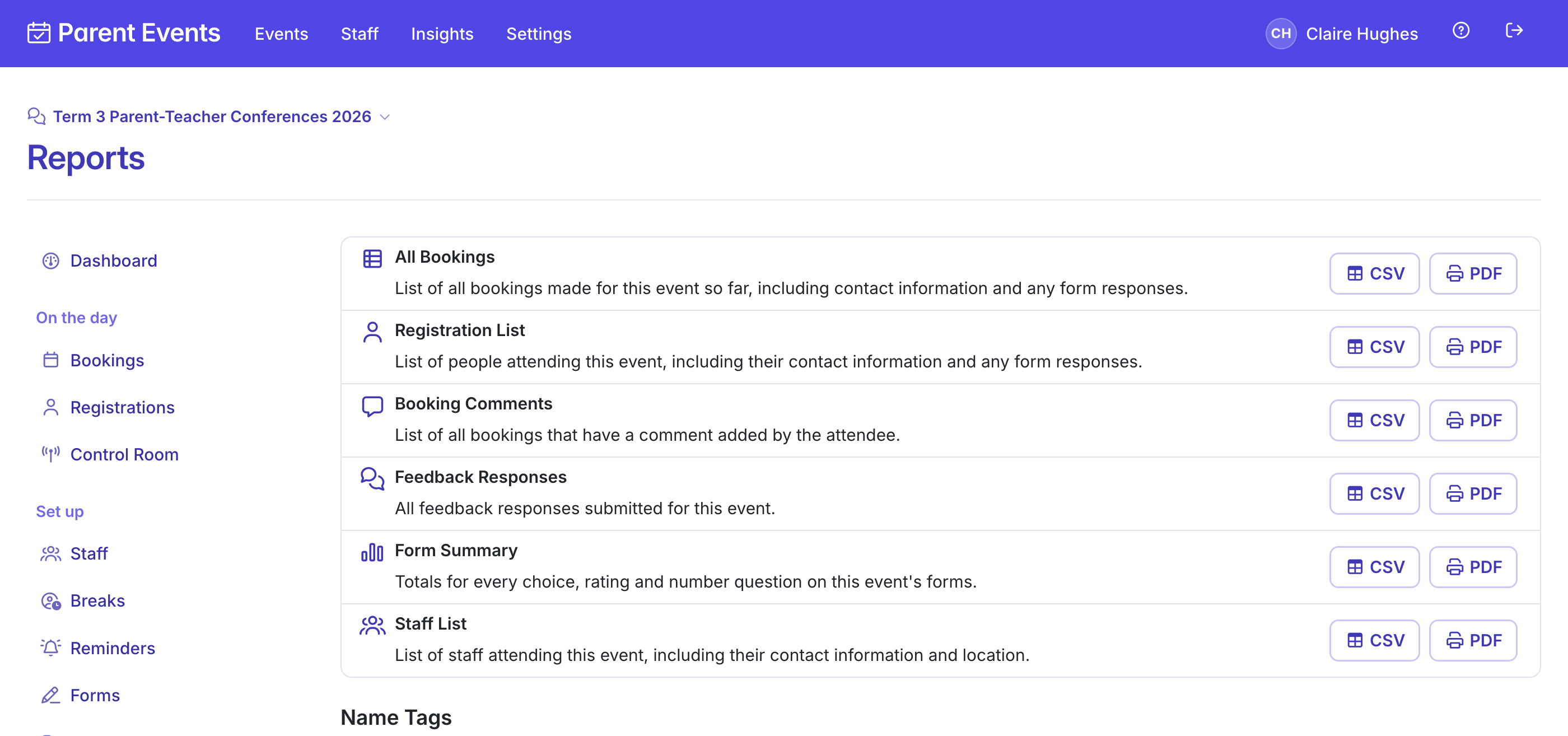
The reports available depend on the type of event.
Report formats
Choose CSV to open the data in a spreadsheet such as Excel or Google Sheets, or to import it into another system. Choose PDF to print or share it, such as for handouts, checklists or name tags.
Reports always show the event's latest information, and you can download them as often as you like.
Choosing columns
Some reports, such as All Bookings, Registration List and Staff List, let you choose which columns to include before you download them, including the answers to your registration and booking form questions. Untick anything you don't need to keep the report short.
The Bookings report can also include each booking's Outcome (Completed or No-show) and whether it was flagged for Follow-up, as recorded in My Day or on the booking. These columns are off until you tick them. Staff members' private notes are never included.
Multi-file reports
Some reports contain multiple files, such as staff timetables or event attachments uploaded by attendees. These take longer to prepare, so you'll be emailed when they're ready.
Administrators can always download the event attachments report. Event Managers can only download it if your school has allowed Event Managers to download attachments.
The link in the email takes you to Parent Events, where you sign in and download an encrypted ZIP file. The password to open it is in the same email.
Sample reports
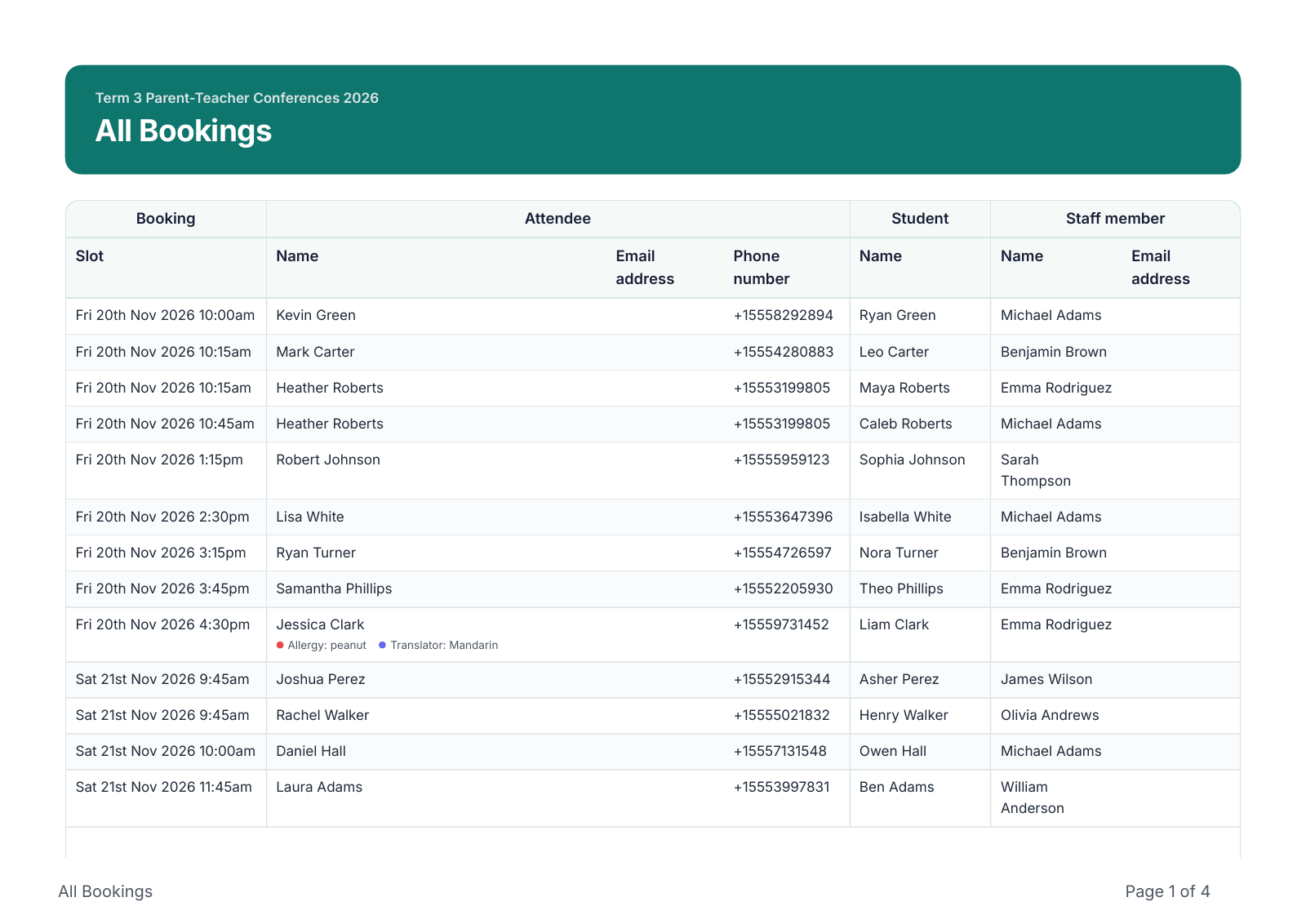
All Bookings
Every booking for the event, with the attendee's details.
Attendee Name Tags
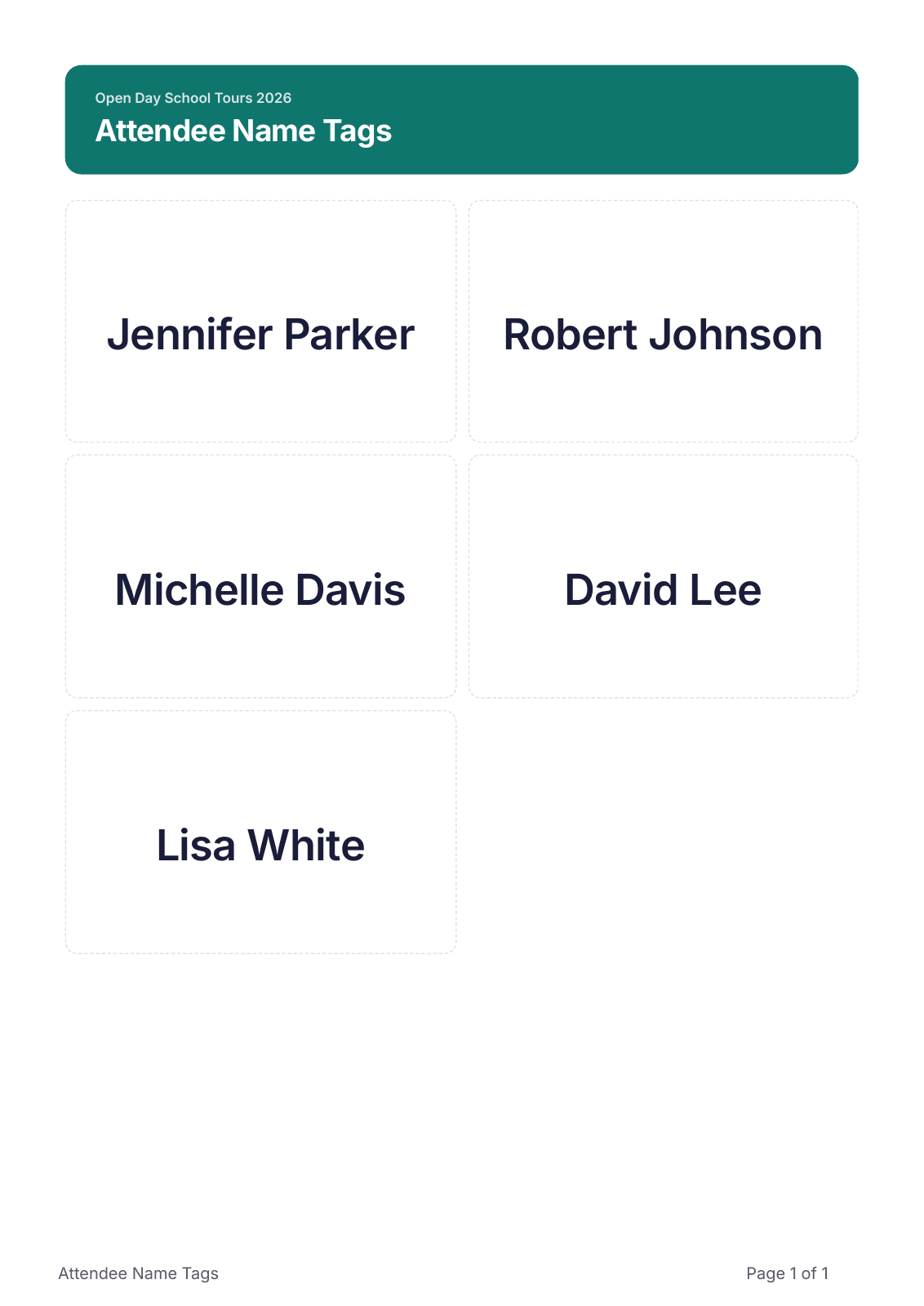
A name tag for each attendee, to print and cut out. They fit most pin, clip and lanyard name tag holders.
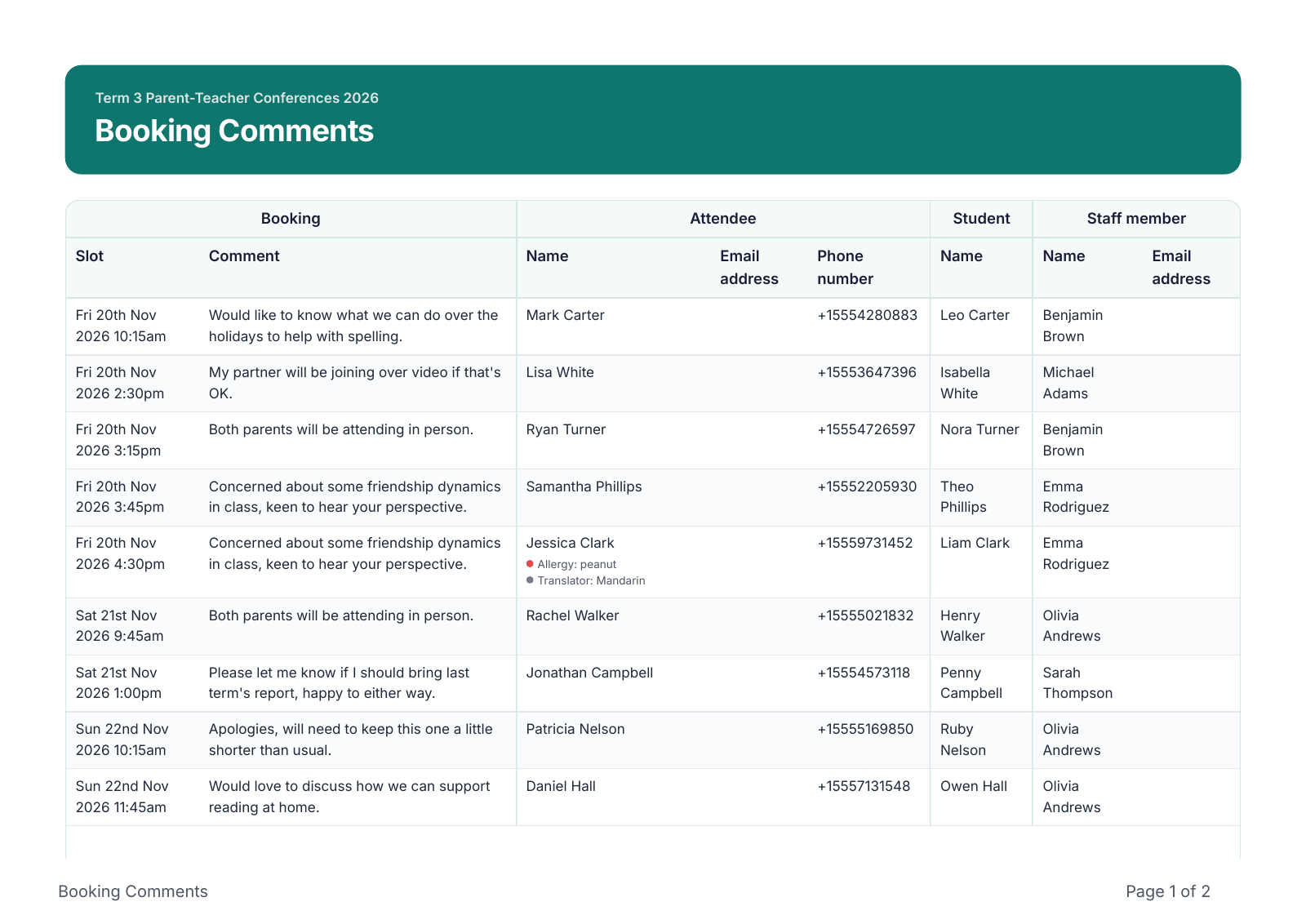
Booking Comments
Every booking with a comment from the attendee, with the attendee's details and the staff member the booking is with.
This report is only shown when Allow comments on bookings is ticked in the event's settings.
Event Attachments
A ZIP file of every file families uploaded through your registration, booking and feedback forms. This is a multi-file report, so it's emailed to you when ready.
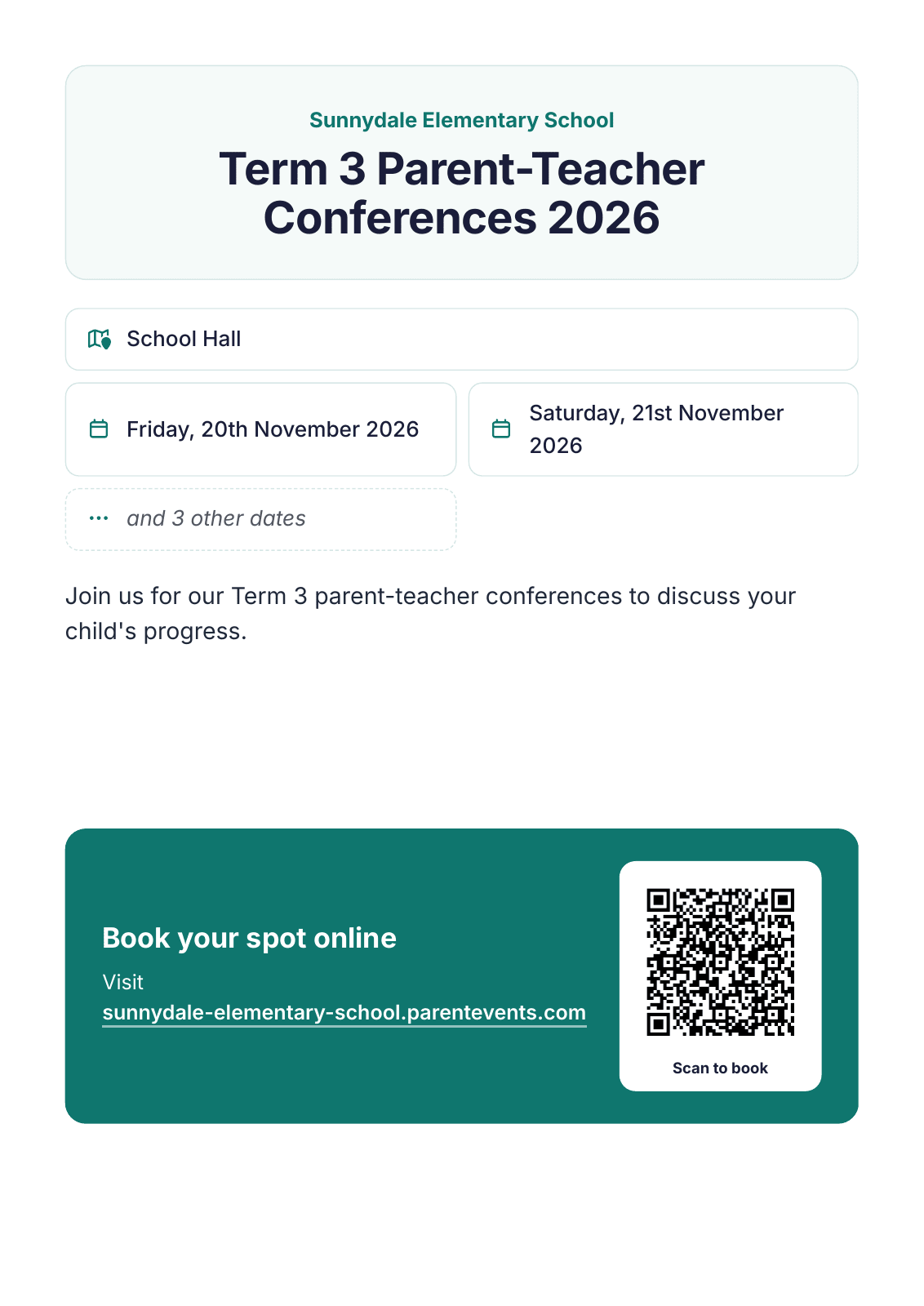
Event Flyer
A printable flyer for the event, with its name, dates, location and description, your event website's address and, for a private event, its event code. A QR code lets families open the event straight from their phone. Put it up around school or send it home with students.
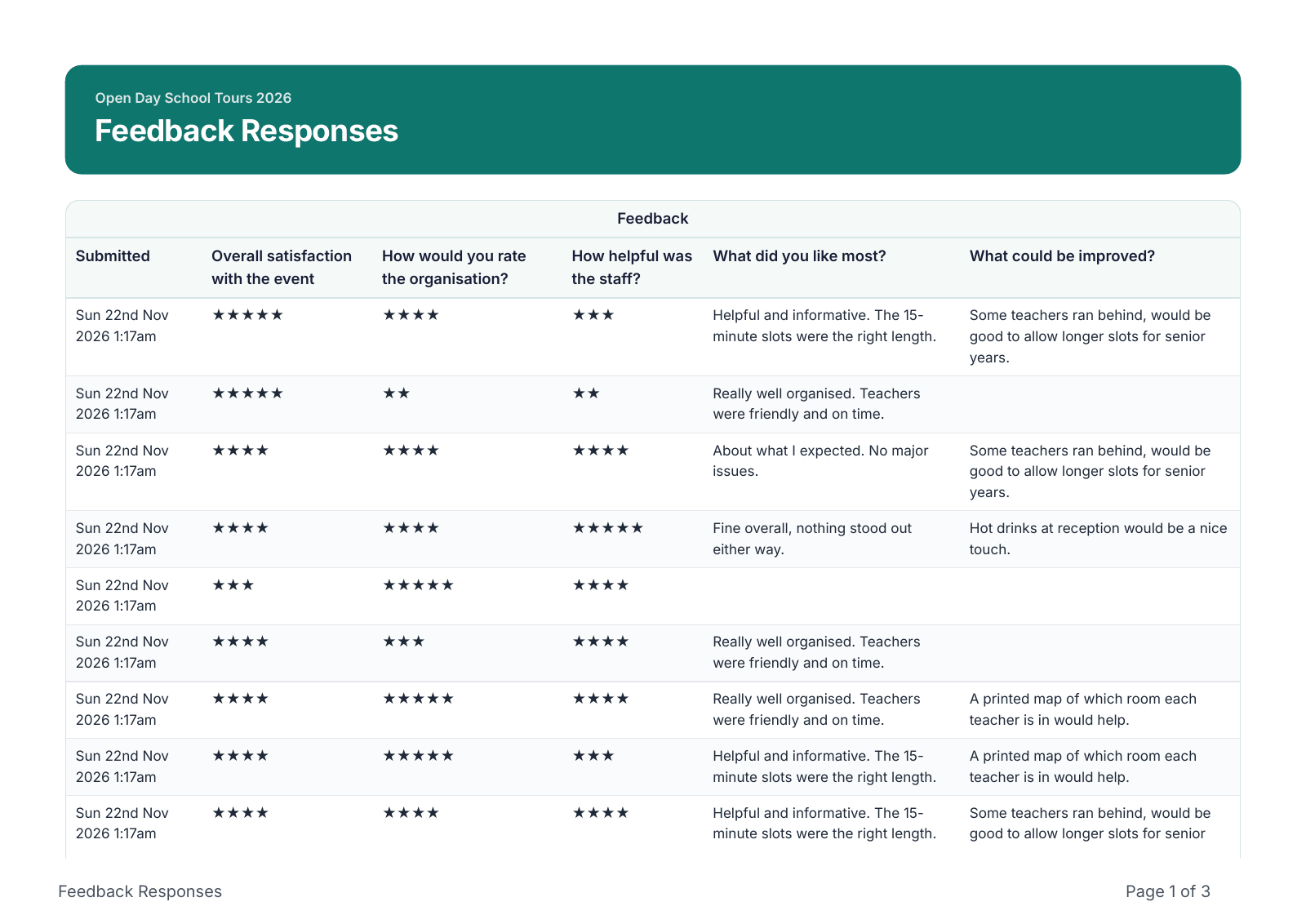
Feedback Responses
Every feedback response attendees have submitted.
This report is only shown if the event has a feedback form set up.
Invite Codes
Every invite code for the event, with its label, whether it's been used, and who used it and when. Export it as a CSV to mail merge each family's code into your invitations.
This report is only shown for events that require an invite code to register.
Invite Flyers
One event flyer for each invite code that hasn't been used yet, with the family's code and label printed on it and a QR code that opens registration with the code already filled in. Print them and send one home with each family.
This report is only shown for events that require an invite code to register.
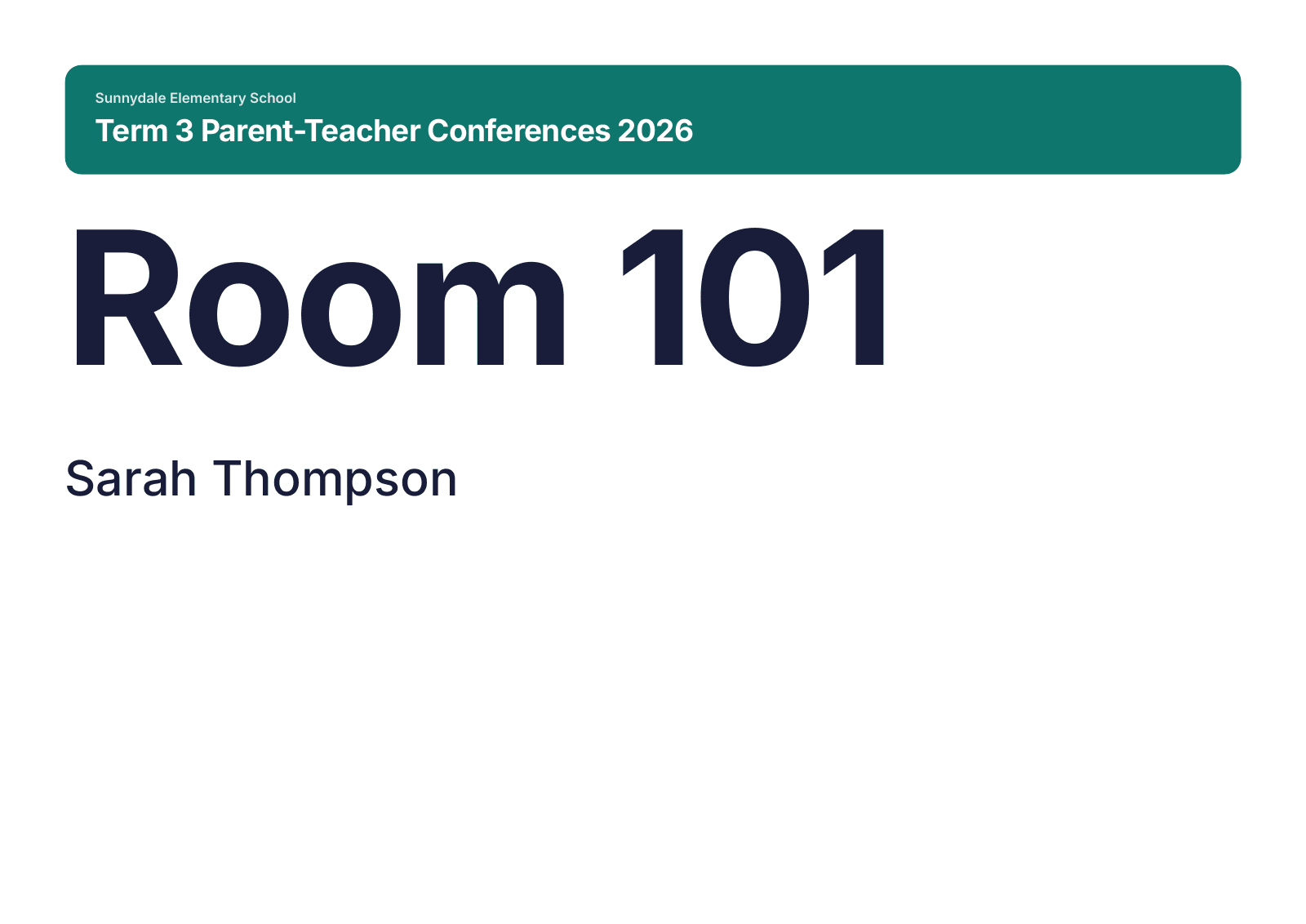
Meeting Room Signs
A sign for each meeting room, with the names of the staff in it, to help attendees find the right room at a parent-teacher conference.
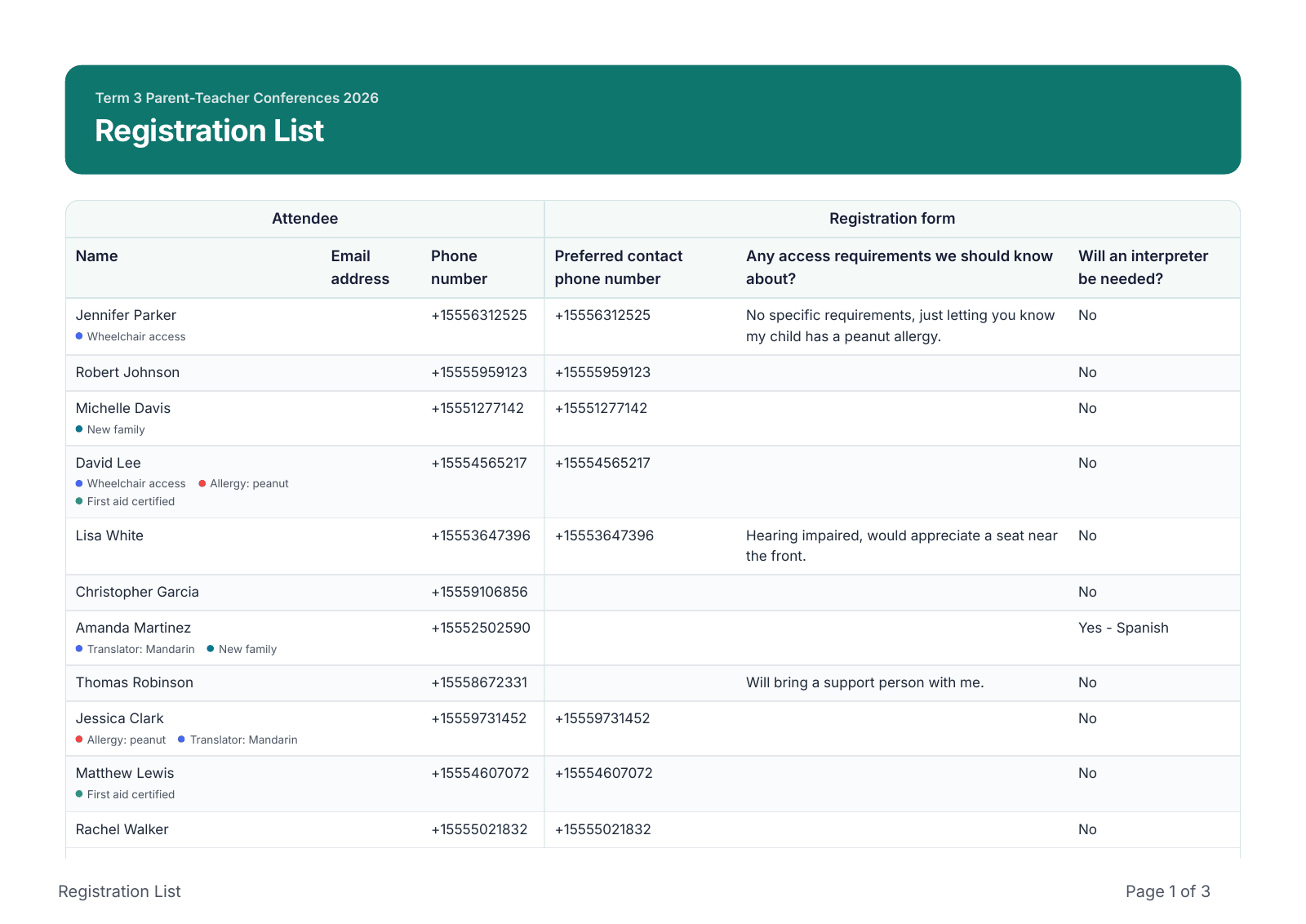
Registration List
Everyone registered for the event, with their contact details and answers to the registration form. Useful for events without bookings, and for checking families in on the day.
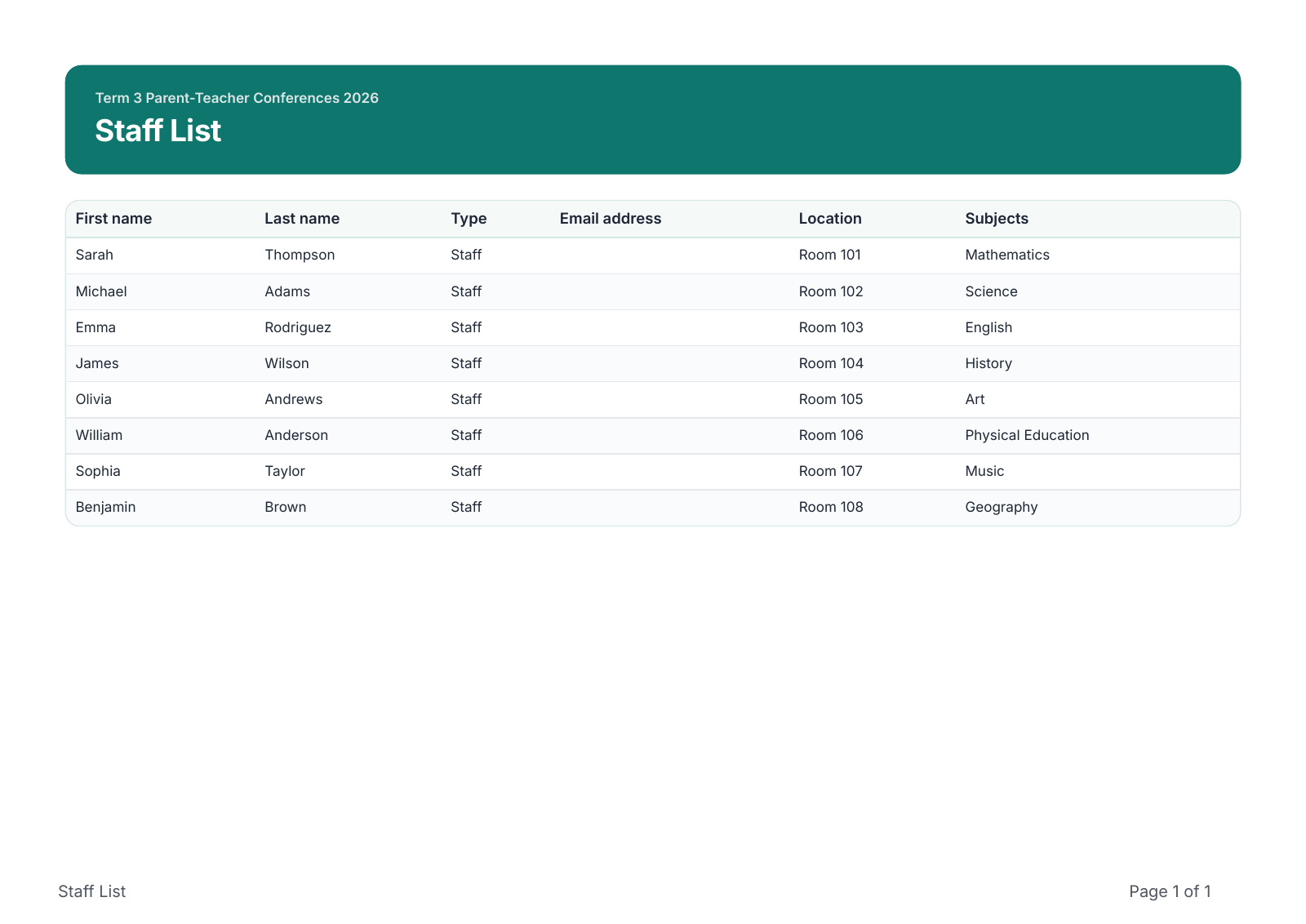
Staff List
The staff at the event, with their email address, room or location, and subjects.
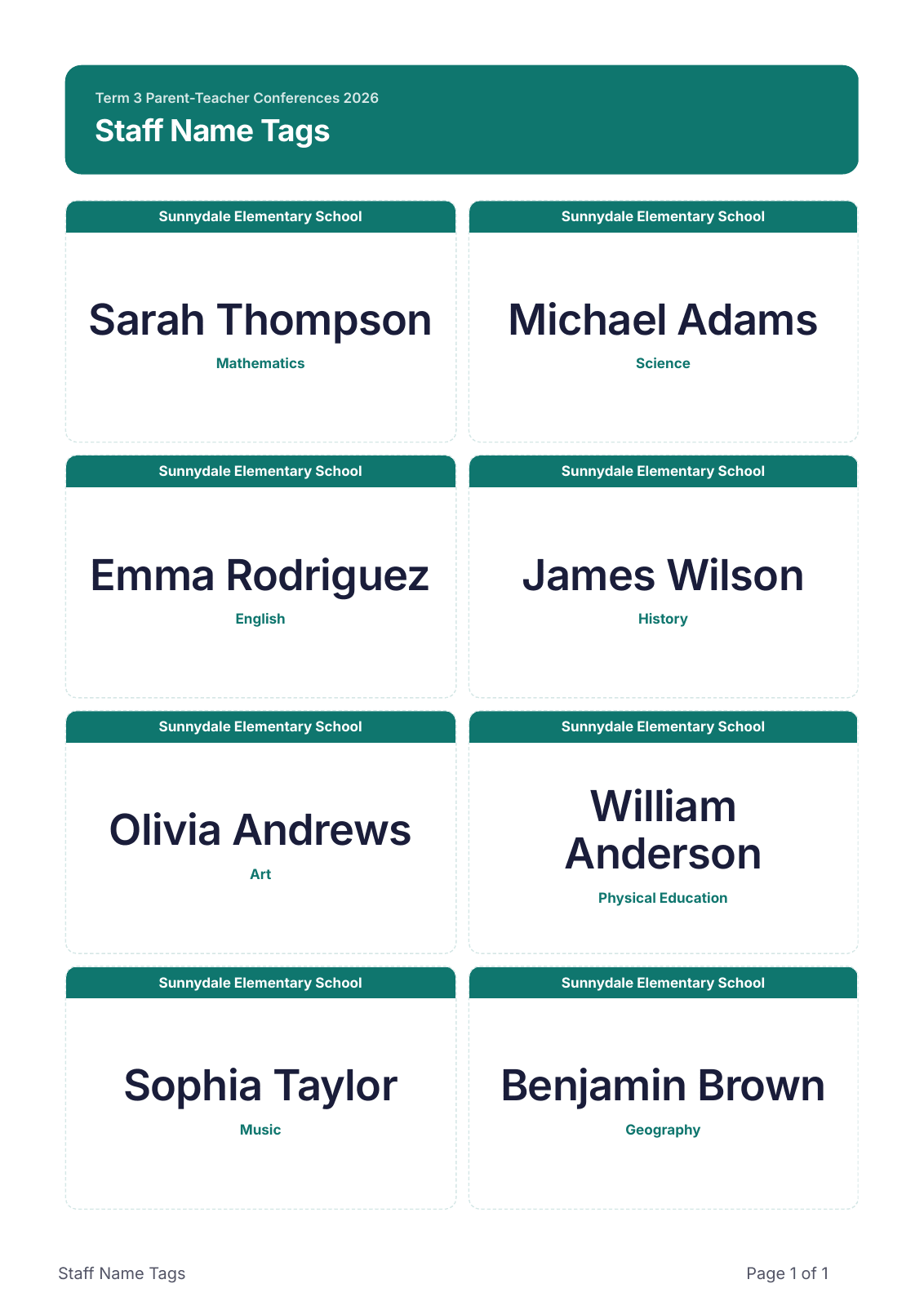
Staff Name Tags
A name tag for each staff member, to print and cut out. Guest staff are left out.
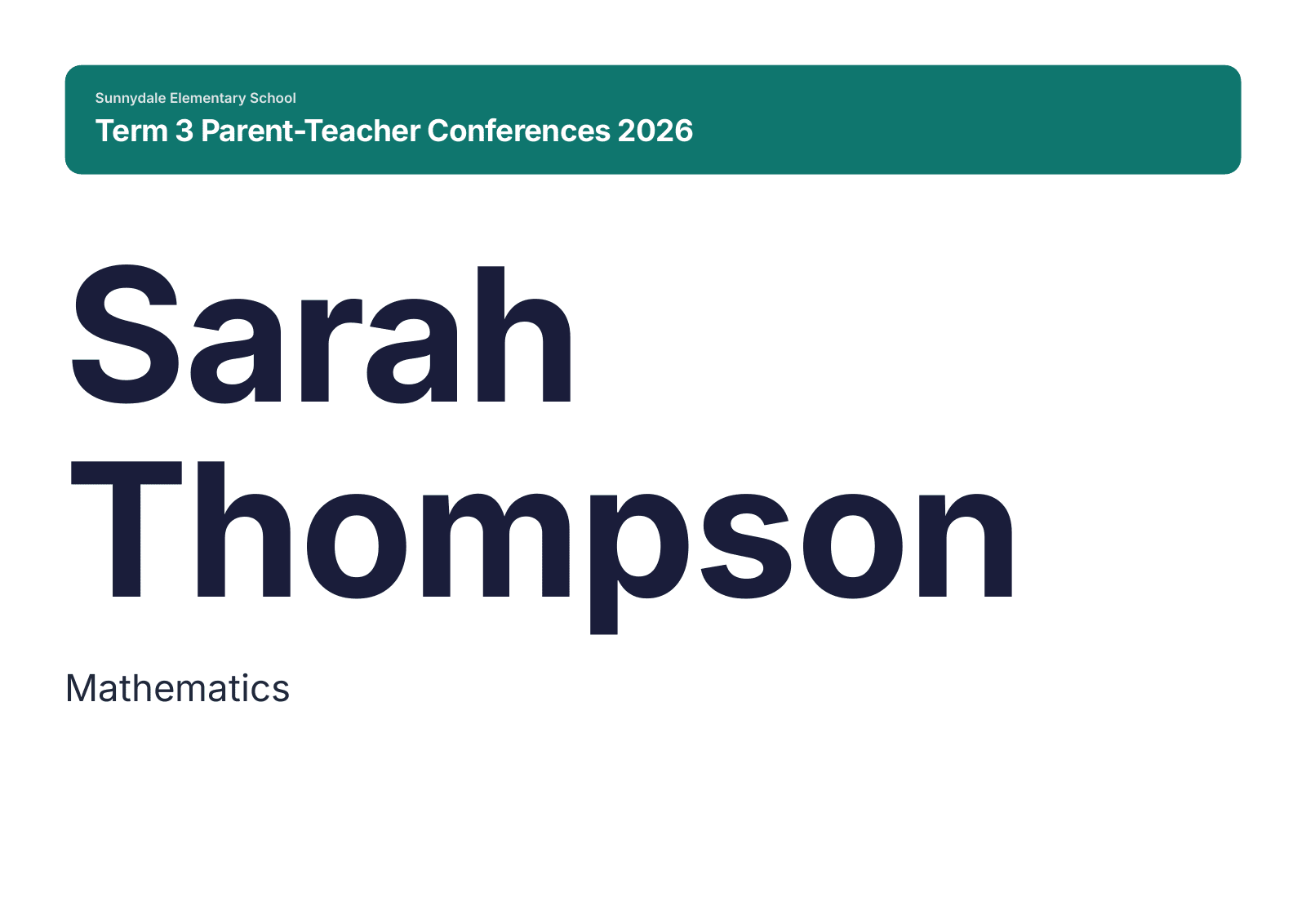
Staff Signs
A sign for each staff member, with their subjects or classroom, to help attendees find the right place at a parent-teacher conference.
Staff Timetables
A timetable for each staff member at the event, listing their bookings, as a separate PDF per person. This is a multi-file report, so it's emailed to you when ready. Staff can also see their own bookings at any time by signing in, or with a calendar feed. It includes guest staff, who can't sign in.
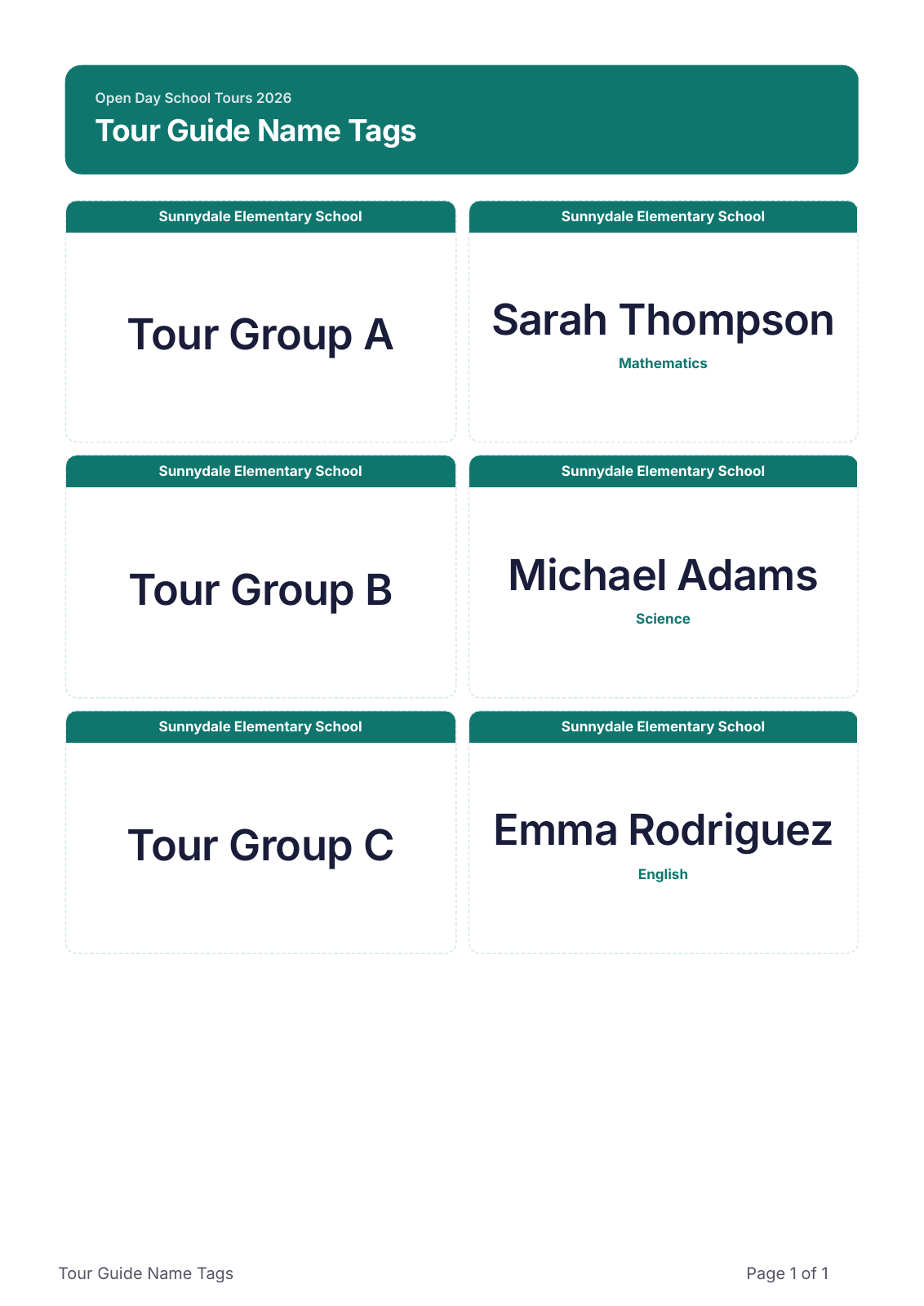
Tour Guide Name Tags
For tour events, name tags for every tour guide, including students and volunteers as well as staff.
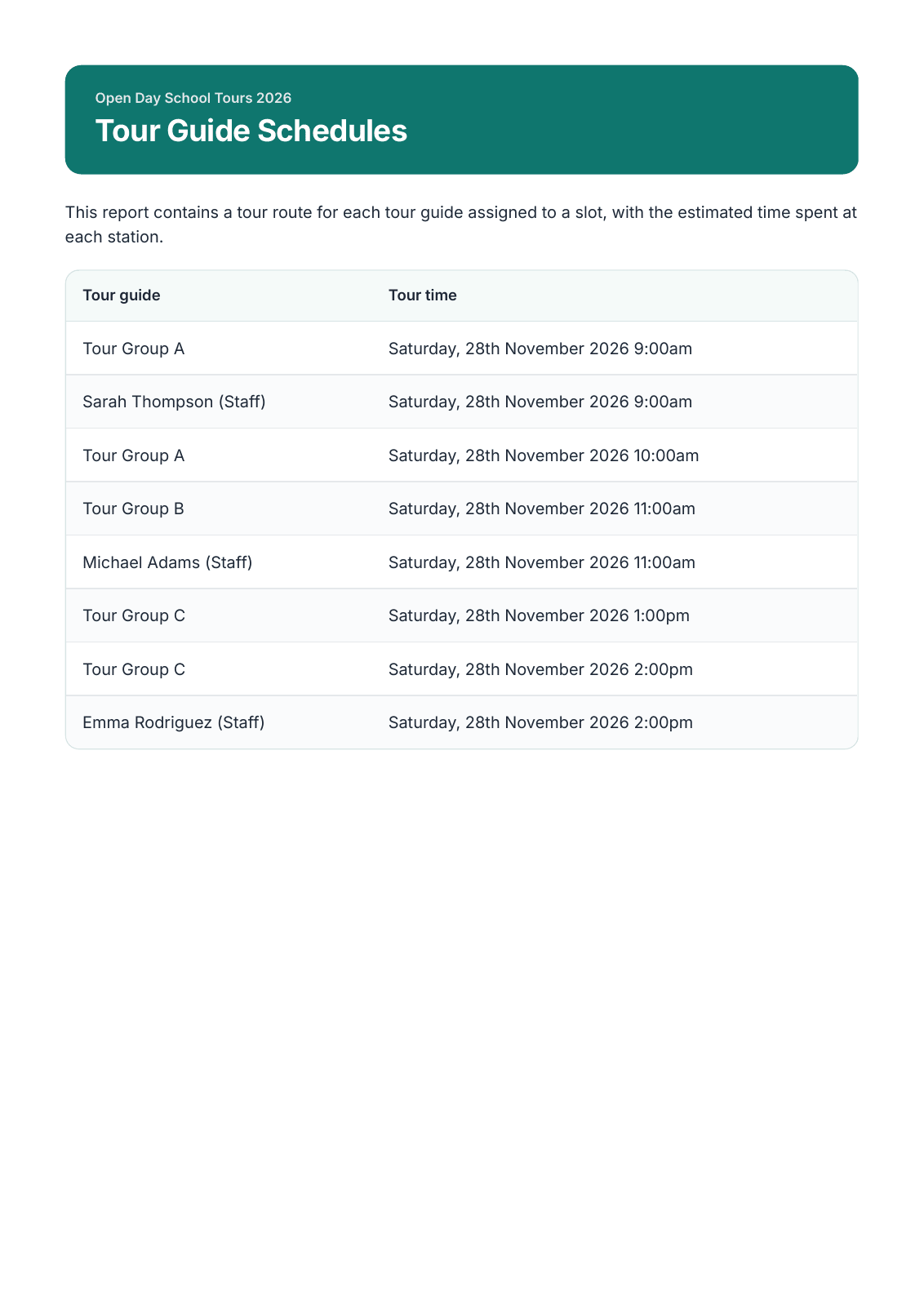
Tour Guide Schedules
For tour events, each tour guide's own route, with the expected time at each station for every tour they've been assigned.
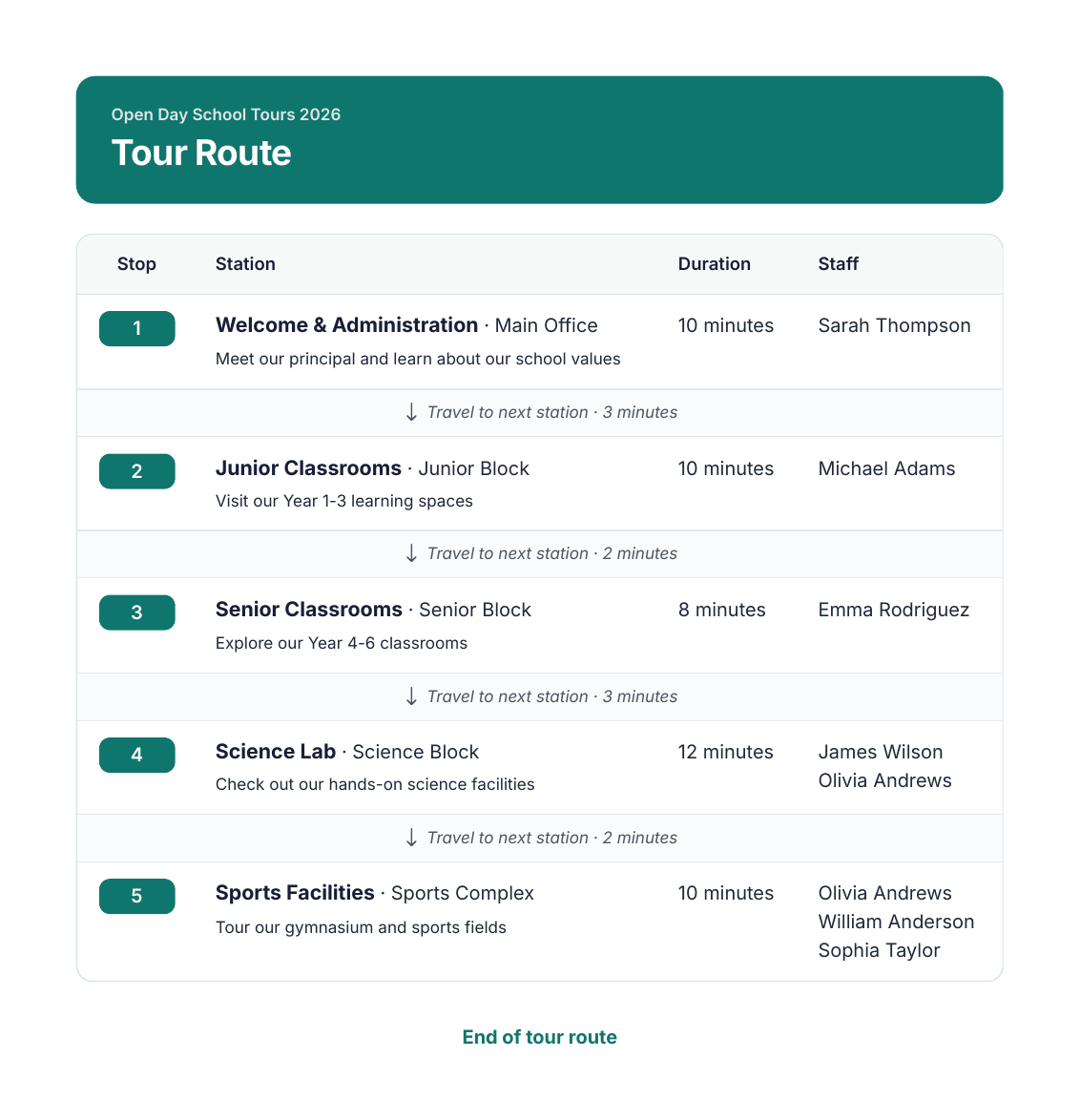
Tour Route
For tour events, the stations in order, with the walking time between them and the staff at each one. For a version for each guide, with the time they should reach each station, use Tour Guide Schedules.
Tour Station Signs
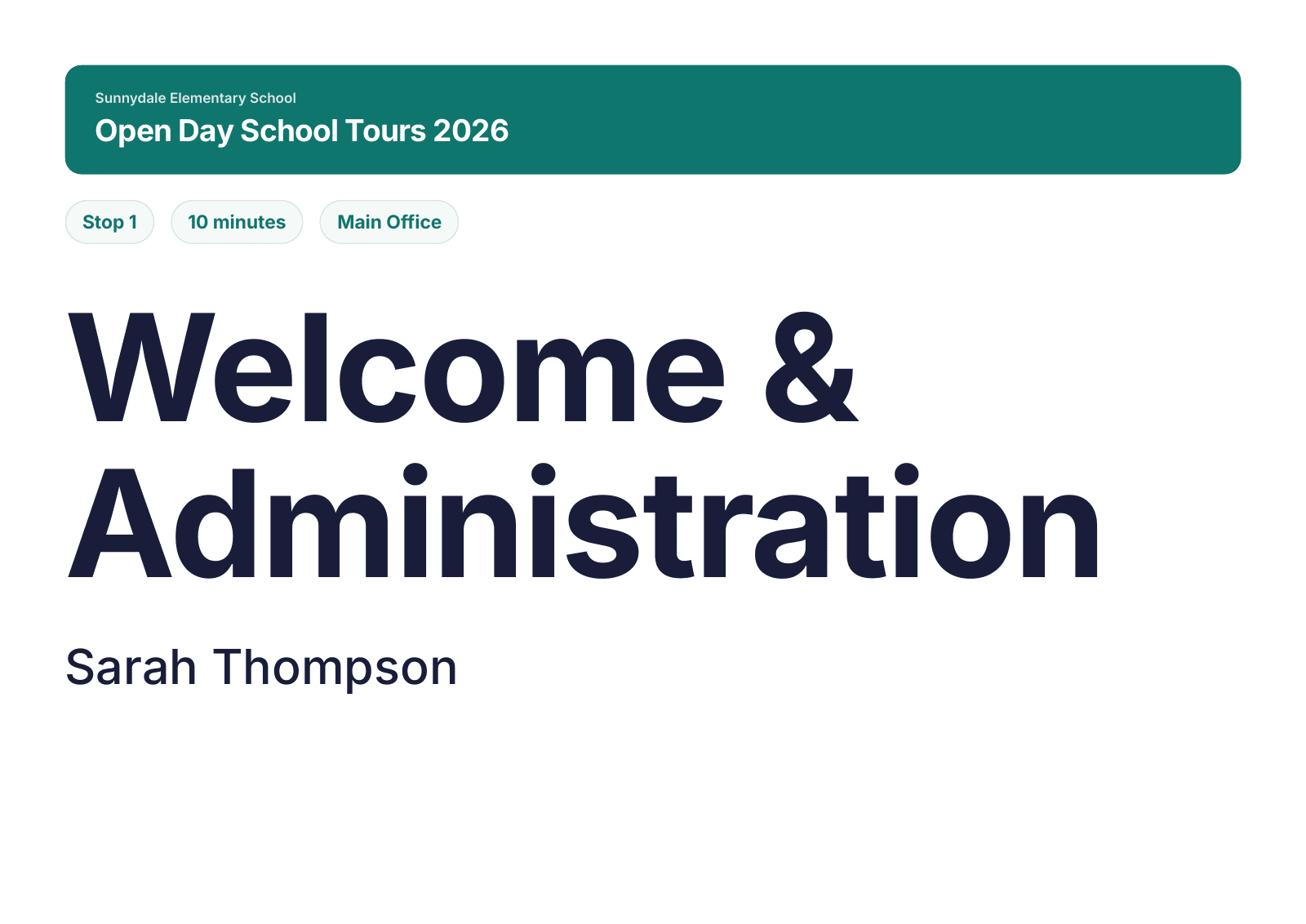
For tour events, a sign for each station, with its stop number and the staff there.