Your account
Your account page is where you manage your own Parent Events account, such as:
- Changing your account password.
- Managing your two-factor authentication settings.
- Adding your events and bookings to your own calendar with calendar feeds.
- Choosing which emails you get with your notifications.
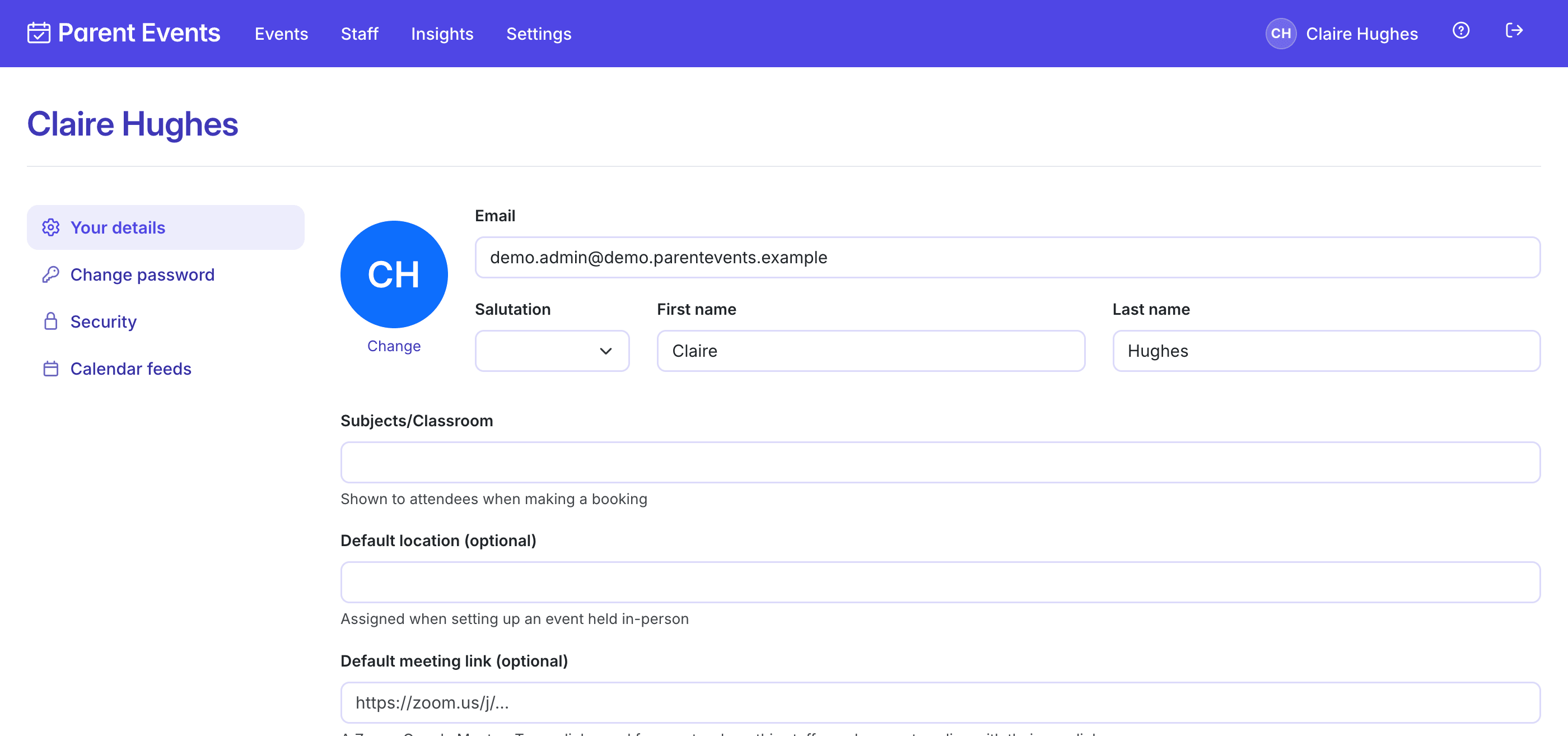
To access your account page, click on your name in the top-right corner when signed in.
Some fields may be managed by your school or organization, depending on your role or how your account is set up. These can't be edited, but an administrator can change them for you.
For staff only
If you're attending an event as a parent or caregiver, follow these instructions instead for regaining access to your bookings.