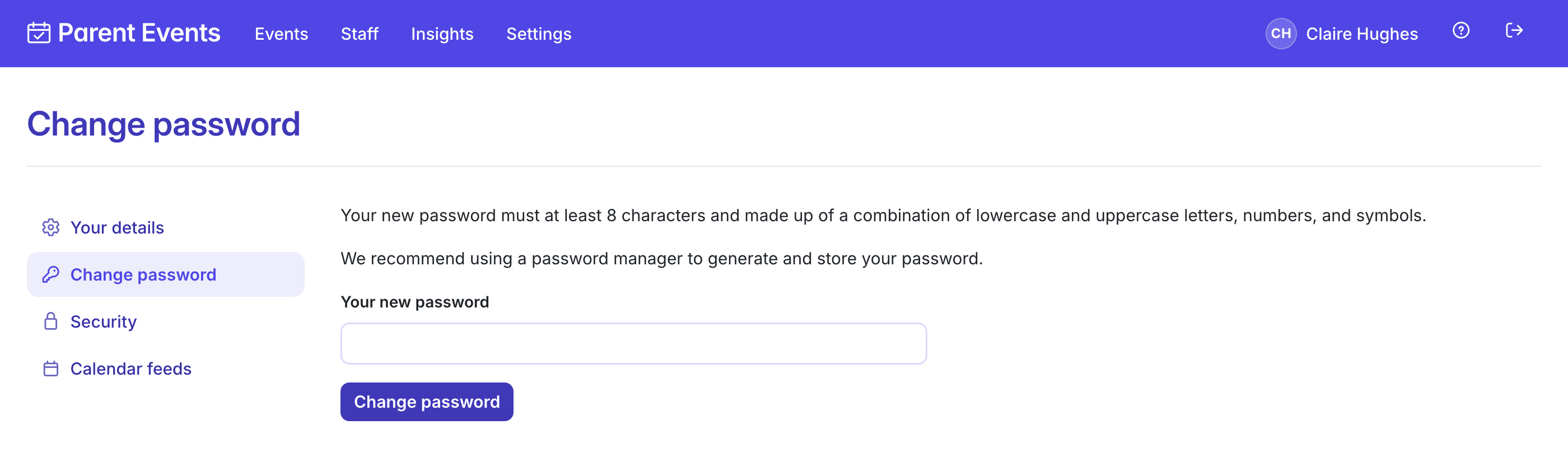
Change password
How you change your password depends on whether you're already signed in.
For staff only
If you're attending an event as a parent or caregiver, follow these instructions instead for regaining access to your bookings.
I don't have access to my account
If you don't know your current password, request a new one from the sign-in page.
- Go to the sign-in page and click Forgot Your Password.
- Enter your email address.
- Open the password reset email, and click the button in it.
- Enter your new password.
Tip
If you don't get an email within ten minutes, check your Junk or Spam folder, or contact our support team.
I'm already signed in
To change your password when you're signed in to your account:
- Click on your name in the top-right corner.
- Click Change password.
- Enter your new password.