How do I book for a family who can't book online?
Staff can register a family and make their bookings for them, such as when a family rings the school office.
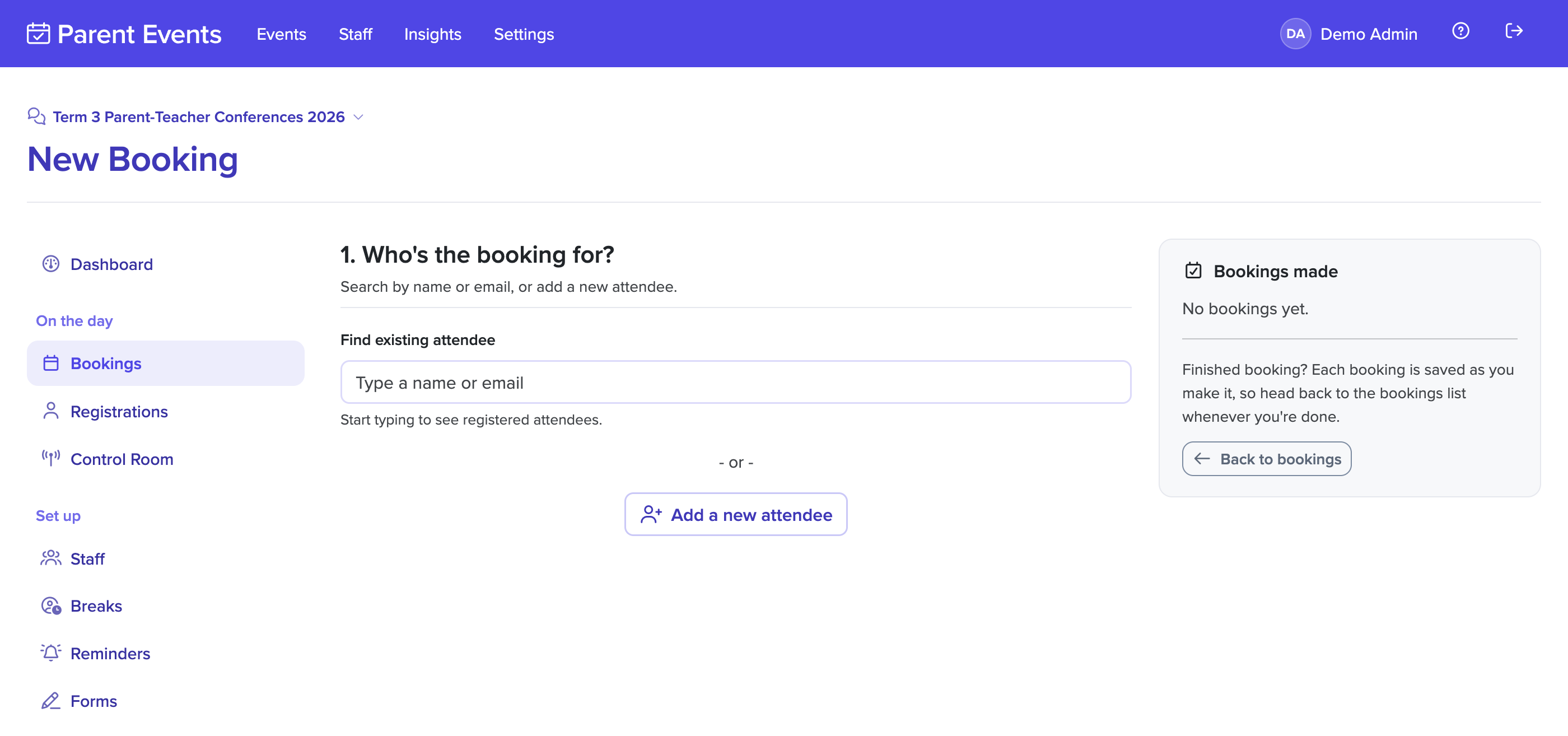
- Click on Events in the main menu, and choose the event.
- Click on Bookings, then New Booking.
- Search for the family by name or email. If they haven't registered, select Add a new attendee and enter their details.
- Choose the staff member and the time.
If you don't have the family's email address, leave it blank. They won't receive any emails, including reminders, so give them their times another way. Without an email address, they also can't sign in to the event website to see or change their bookings, so any changes need to go through you.
When staff make a booking, the family's booking limit, booking buffer and staff breaks are shown as warnings rather than blocking you. See booking a time families can't.
If staff can't see New Booking, an administrator can allow staff to make bookings from the staff settings. Event Managers and Administrators can always make them.